
Base64 no newline refers to Base64-encoded output that contains no line-break characters at all, just one continuous string of characters from the Base64 alphabet. This distinction matters more than it seems, because plenty of default Base64 tools and libraries insert line breaks automatically, and that habit can quietly break code that expects a single unbroken line.
Base64 no newline is Base64 output produced without inserted line-break characters, giving one continuous string instead of text wrapped at fixed intervals. It matters because contexts like data URIs, JSON fields, and single-line config values will fail or need extra handling if line breaks are present.
Base64 no newline describes a variant of standard Base64 encoding where the encoder is told, or configured, not to insert any carriage returns or line-feed characters into the output. The underlying encoding algorithm is identical to any other Base64 process: bytes are grouped and mapped to a 64-character alphabet. The only difference is formatting. Instead of a block of text wrapped at a fixed column width, the result is a single long line.
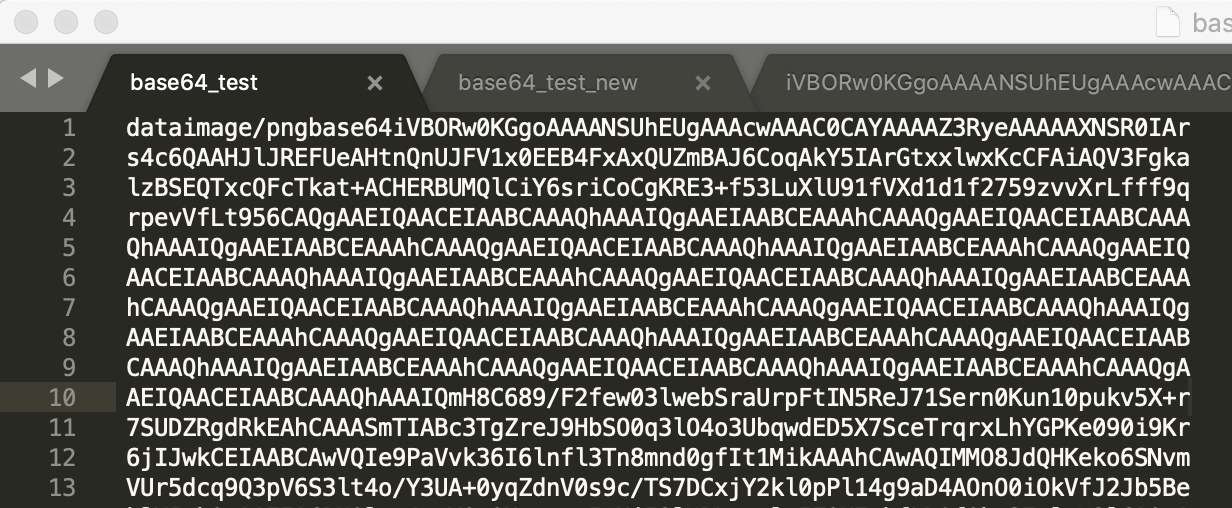
The main reason anyone asks for this specifically is that many real-world uses of Base64 require a single, unbroken string. Embedding an image directly into HTML or CSS as a data URI is a common example, as is placing encoded data inside a JSON field, an HTTP header, or a URL query parameter. In all of these cases, an embedded line break either breaks the syntax outright or forces extra escaping that adds complexity for no benefit.
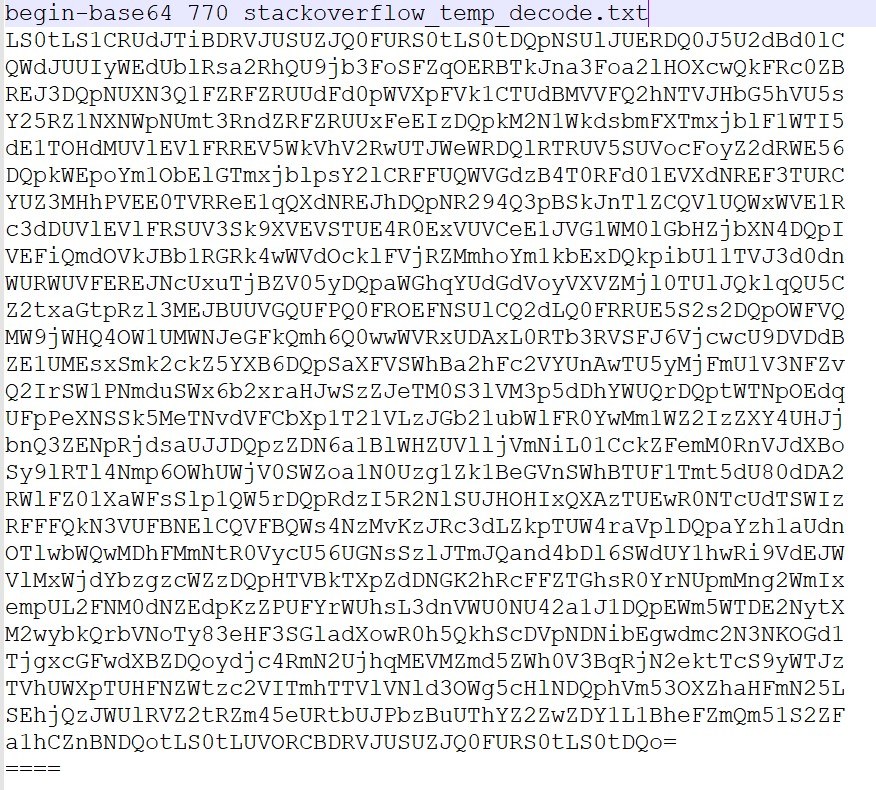
Base64 as an algorithm has no opinion about line length. The habit of wrapping output at 76 characters comes from MIME, the standard that governs how email attachments and other binary content get encoded into plain text messages. Old email systems and transport protocols had line-length limits, and some intermediate mail relays were known to mangle very long lines. Wrapping Base64 output every 76 characters, separated by a CRLF, kept encoded attachments safe as they passed through that infrastructure.
That convention got baked into many popular tools long after email transport limits stopped being a practical concern. Command-line utilities, standard libraries, and even some web APIs still default to MIME-style wrapping because it was the original, well-established behavior, not because modern use cases need it. This is worth knowing because it explains why a seemingly simple encode operation can produce oddly formatted output that looks broken when it's actually just following an old formatting convention.
Producing a base64 encode without newline result is usually a matter of finding the right flag or parameter, rather than writing custom logic. On Linux and macOS systems using GNU coreutils, the base64 command wraps output by default, but the -w 0 flag disables wrapping entirely, producing one continuous line:
base64 -w 0 file.png outputs the encoded content with no line breaks-w defaults to 76-character wrapping on most GNU systemsBeyond the command line, most programming language libraries and web APIs offer an explicit no-wrap mode, sometimes as a boolean flag, sometimes as a separate function name entirely (covered in more detail further down). The general pattern across tools is the same: standard/MIME-style encoding wraps by default, and a specific option turns that off.
Sometimes the Base64 string already exists, wrapped, and the newlines need to be stripped after the fact rather than avoided at generation time. This comes up often when copying encoded data out of a file, an email attachment, or an older tool with no no-wrap option.
A few common approaches:
tr -d '\n' deletes every newline character from a stream, leaving the Base64 content intactsed ':a;N;$!ba;s/\n//g' achieves a similar result by joining all lines before strippingstr.replace("\n", ""), removes embedded line breaks without touching the underlying dataBecause newline characters are not part of the Base64 alphabet, deleting them never corrupts the encoded data. Decoders ignore or reject non-alphabet characters depending on implementation, but removing them cleanly before decoding sidesteps that question entirely. For a closer look at how decoders handle malformed or unusual input, see this technical reference on Base64 decoding.
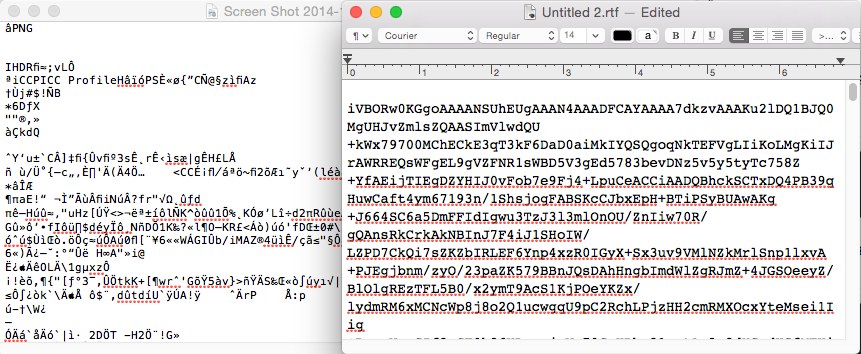
This is a frequent question for anyone hand-editing or debugging encoded image data: can i put line returns in a base64 image text without breaking it? Technically, yes, the Base64 alphabet itself tolerates whitespace in many decoder implementations, since decoders commonly skip characters outside the valid set. But "tolerated by some decoders" is very different from "safe in every context."
The trouble is that a Base64 image string rarely lives on its own. It's usually embedded inside something else, like an HTML attribute, a CSS url() value, or a JSON string field. Those surrounding formats have their own rules about line breaks, and in most of them, an unescaped newline is invalid or gets misinterpreted as the end of the value. A raw newline inside a data URI can truncate the string in some parsers, and inside a JSON string it produces invalid JSON unless it's properly escaped as \n. This is a good place to revisit the fundamentals covered in the Base64 image encoding and decoding guide, which walks through how image data becomes a usable string in the first place.
Data URIs, formatted as data:image/png;base64,..., are a single continuous value by definition. Any newline inserted into the Base64 portion risks the browser or parser treating the string as ending early, or throwing a parsing error depending on how strict the consumer is. Because of this, base64 no newline output isn't just a formatting preference for data URIs, it's close to a requirement for reliable rendering across browsers and tools.
JSON has a related but slightly different problem. A raw newline character is not permitted inside a JSON string at all; it must be escaped as \n or the JSON is invalid. If a Base64 string with embedded line breaks gets dropped directly into a JSON payload without escaping, most JSON parsers will reject the entire document. Generating the Base64 without newlines from the start avoids this problem completely, rather than relying on an escaping step that's easy to forget. Readers working with encoded binary content in transit, such as URL parameters, may also want to check the related concerns covered in Base64 URL encoding for safe use in URLs.
Python's base64.b64encode() function does not insert line breaks by default, so its output is already newline-free. This differs from the command-line base64 tool, which does wrap by default, so results can look different depending on which one is used.
In browsers, btoa() produces a single-line Base64 string with no wrapping. In Node.js, Buffer.from(data).toString('base64') behaves the same way, returning one continuous string.
Java's java.util.Base64 class offers both Base64.getEncoder(), which produces no line breaks, and Base64.getMimeEncoder(), which wraps at 76 characters with CRLF, matching MIME conventions. Choosing the standard encoder rather than the MIME encoder is the deciding factor here.
The Convert.ToBase64String() method returns output with no line breaks by default. An overload accepts a Base64FormattingOptions parameter, where InsertLineBreaks can be explicitly set if wrapped output is actually wanted, but the default is unwrapped.
Across all four languages, the pattern holds: standard encoding functions tend to produce unwrapped output, while functions or flags explicitly labeled as MIME-related are the ones that wrap.
Embed images or fonts directly into HTML and CSS as data URIs, where a single unbroken Base64 string is required for the value to parse correctly.
Include binary attachments, such as files or images, as Base64 fields inside JSON request or response bodies, where line breaks would produce invalid JSON.
Generate Base64-encoded secrets or config values in shell scripts, where a wrapped string would break variable assignment or downstream parsing.
Pass encoded binary data through URL parameters or headers in HTTP requests, where line breaks are not valid characters.
Diagnose broken image rendering or JSON parsing errors caused by unexpected line breaks in copied or generated Base64 strings.
Stripping newlines from a Base64 string has no effect on the decoded result. Since newline characters aren't part of the encoding alphabet, a decoder working from a newline-free string produces exactly the same bytes as one working from a wrapped version, assuming the decoder handles both correctly.
The pitfall isn't decoding correctness, it's interoperability with older or more rigid systems. Some legacy tools, particularly those tied closely to MIME and email standards, are built around the assumption that Base64 content will already be line-wrapped at 76 characters, and may behave unpredictably or reject input that arrives as one long line. This is uncommon in modern web and API contexts, but worth checking when integrating with older mail systems, certain legacy file formats, or systems that reference RFC 4648 strictly rather than loosely. The Base64 viewer article on RFC 4648 encoding covers the formal specification in more detail for anyone needing to confirm exact compliance requirements. Similarly, encoded archive formats such as those discussed in the guide to decoding Base64-encoded ZIP files can involve tools with their own line-length expectations, so it's worth testing both wrapped and unwrapped input if a decode unexpectedly fails.
No. Newline characters are not part of the Base64 alphabet, so removing them has no effect on the bytes produced after decoding.
No, these are separate concerns. URL-safe Base64 replaces specific characters like + and / to avoid conflicts in URLs, while no-newline encoding only concerns line-break formatting. A string can be URL-safe and still wrapped, or standard and unwrapped.
Command-line tools like GNU base64 often wrap output at 76 characters by default, while many programming language library functions produce unwrapped output by default. Checking the specific tool's flags or documentation clarifies which behavior applies.
Behavior varies by parser, but a raw, unescaped line break inside a data URI risks truncating the value or causing a parsing failure in many browsers and tools. Avoiding line breaks entirely is the safer approach rather than relying on a specific parser's tolerance.
Whether the goal is generating clean output from the start or cleaning up an existing wrapped string, base64 no newline comes down to one simple fact: the Base64 algorithm itself never required line breaks, so removing them is always safe for decoding, and often necessary for the surrounding format to work at all.
Stay up to date with new tools, blogs, and improvements.
We respect your privacy. No spam, unsubscribe anytime.