
Clean, convert, and analyze files and text instantly in your browser with All Over Tools. 100% private, free, and no signup required.
Loved by developers, writers, analysts, and power users. All run instantly in your browser.
Browse the complete library by category, from text and media to files, data, and calculators.






All Over Tools is a browser-based toolkit for cleaning, formatting, converting, and analyzing everyday text, files, media, and data.
Supported tools process your text and files directly in your browser.
No account, paywall, or daily usage limit is required to get started.
Find practical tools for text, media, files, data, and calculations in one place.
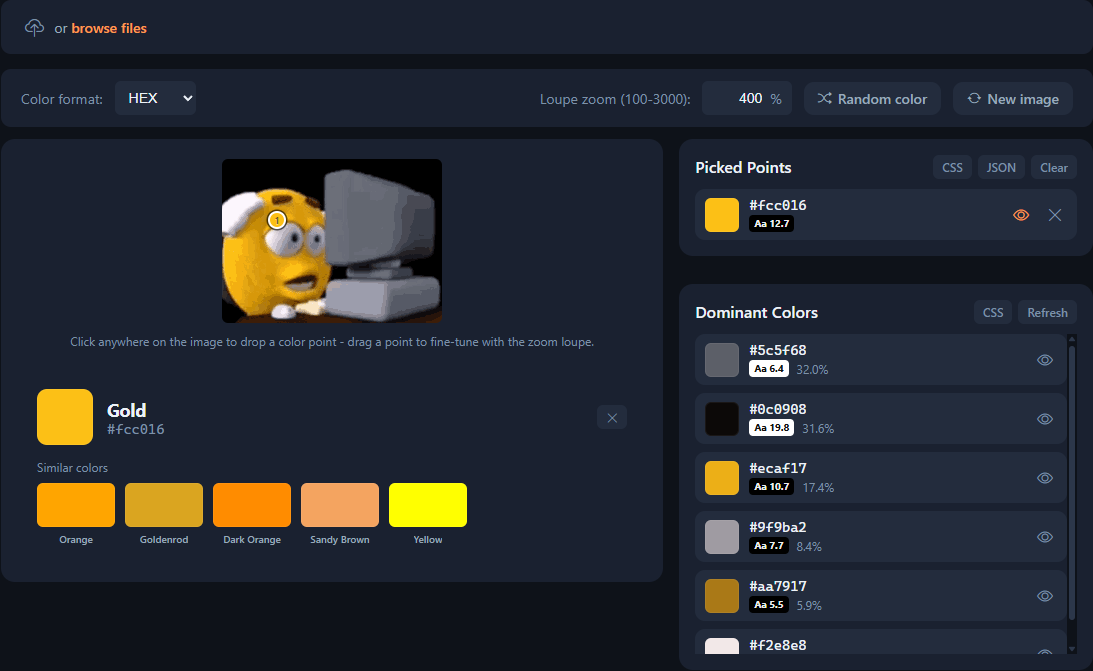
We are always looking for a faster, clearer, and more useful way to handle the tasks that slow you down. All Over Tools turns those small jobs: cleaning a list, inspecting a file, converting a format, or checking data - into focused tools.
Every tool for us is an opportunity to add a little more efficiency to your life. We keep improving what exists and building what is missing, so you can find the right workspace, understand what to do, and get to a reliable result without unnecessary friction.
All Over Tools is an independently built toolkit with 524 utilities for text, files, media, data, and calculations. There is no account required, and tools that run in the browser do not upload your input.
Tools that support browser-side processing work on your device. If a tool needs external processing, its page explains that before you use it.
No account is required to use the public tools.
You can browse text, media, file, data, and calculator tools, or search by the task you want to complete.
All Over Tools is independently built and maintained. Read the full story on the About page.
Yes. The public tools are free to use, with no account or subscription required.
Browser-side tools process files in your device’s browser. Results remain available in the page until you leave, refresh, or clear the tool.
Supported formats are listed on each tool page. Choose a tool first to see its accepted file types and options.
Most tools work in a modern mobile browser. Larger files and advanced processing may work better on a desktop device.
Use the search box at the top of the page, or browse the tool library by category and use case.
Check the tool’s accepted formats and limits first. If the problem continues, try a supported format or use the contact page to report it.