
What Are Data Validation Tools?
Data validation tools and format checkers allow developers and professionals to instantly verify data structures, detect syntax errors, and ensure compliance with standards - all directly in the browser with complete privacy. This collection covers JSON, XML, URLs, UUIDs, phone numbers, Base64, IP addresses, and more.
In modern development, invalid or poorly formatted data leads to broken APIs, security vulnerabilities, failed integrations, and wasted debugging time. Our free online data validation tools help catch these issues early without uploading sensitive data anywhere.
Why Use Online Data Validation & Format Checker Tools?
Whether you're a full-stack developer, API engineer, or DevOps professional, browser-based validators offer clear advantages:
- Instant & private - 100% client-side processing; nothing leaves your device
- No setup required - Works instantly in any modern browser
- Free and unlimited use
- Ideal for quick checks during coding, testing, or code reviews
Real-World Use Cases for Data Validation Tools
These format checker tools solve everyday problems across development, testing, and data handling workflows:
For Programmers & API Developers
Validating API payloads is critical to prevent crashes and security issues. Use the JSON Validator to lint request/response bodies, catch missing fields, or pretty-print messy data during debugging. XML Validator helps when working with legacy systems, SOAP services, or configuration files. These tools speed up contract testing and ensure your APIs handle malformed input gracefully.
Web & Network Validation Use Cases
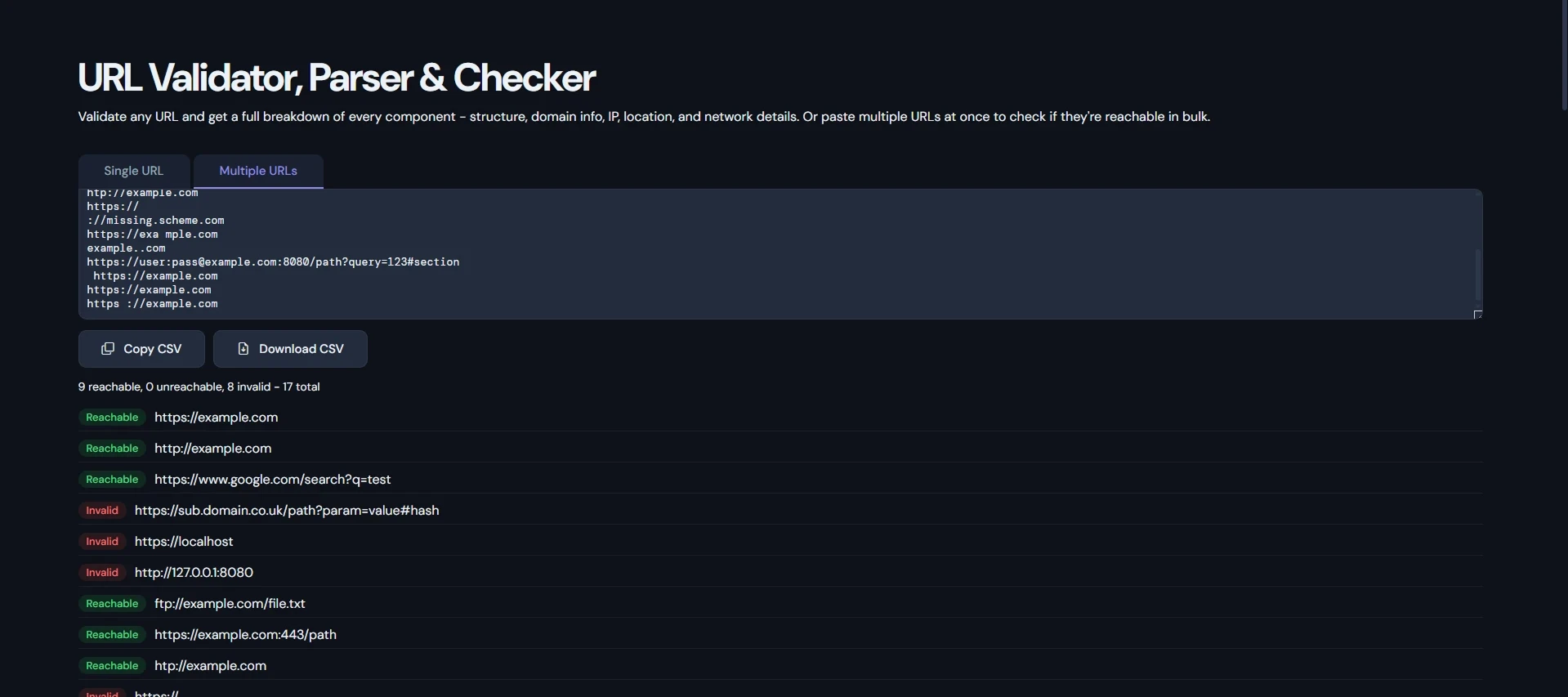
URL Validator and Parser are essential for web developers handling user-submitted links, building crawlers, or cleaning sitemaps. It detects malformed URLs, extracts components (protocol, domain, query parameters), and helps prevent broken redirects or SSRF risks.
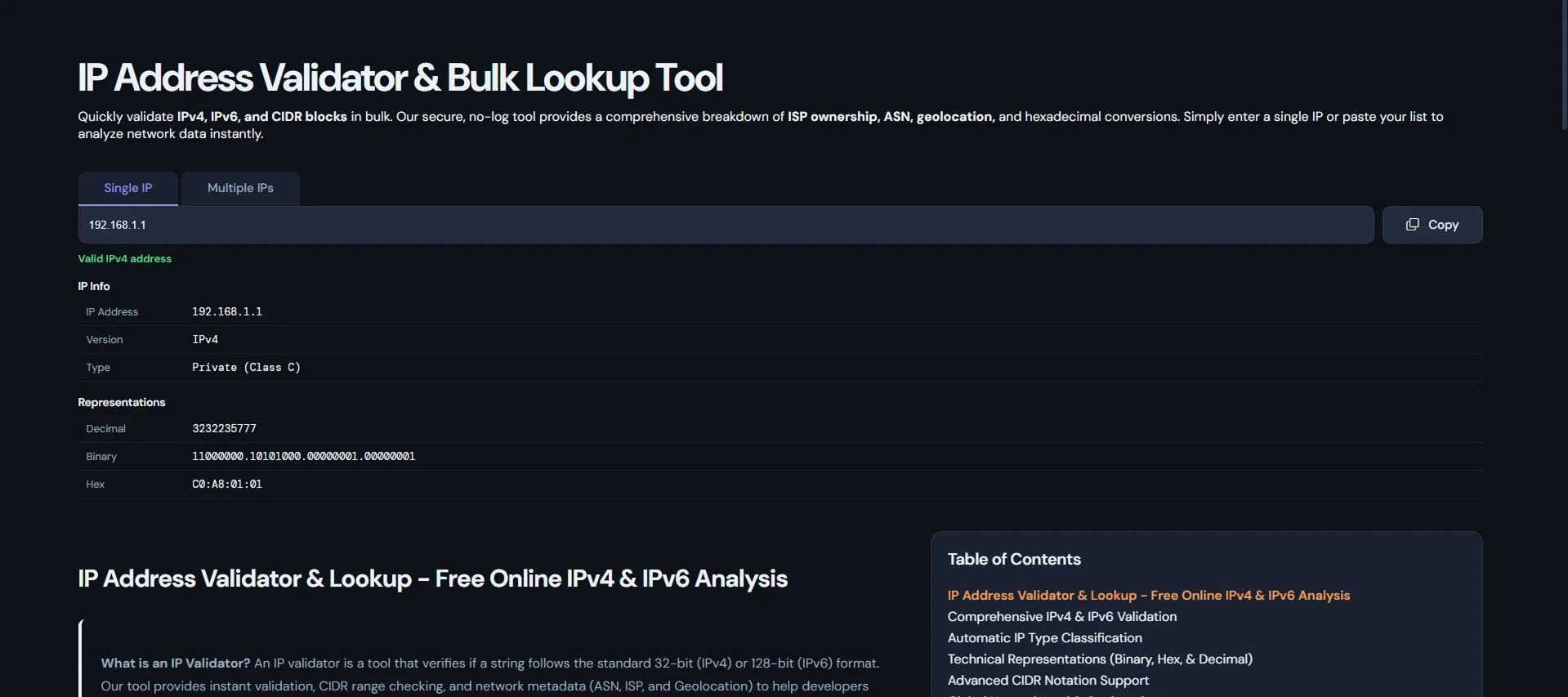
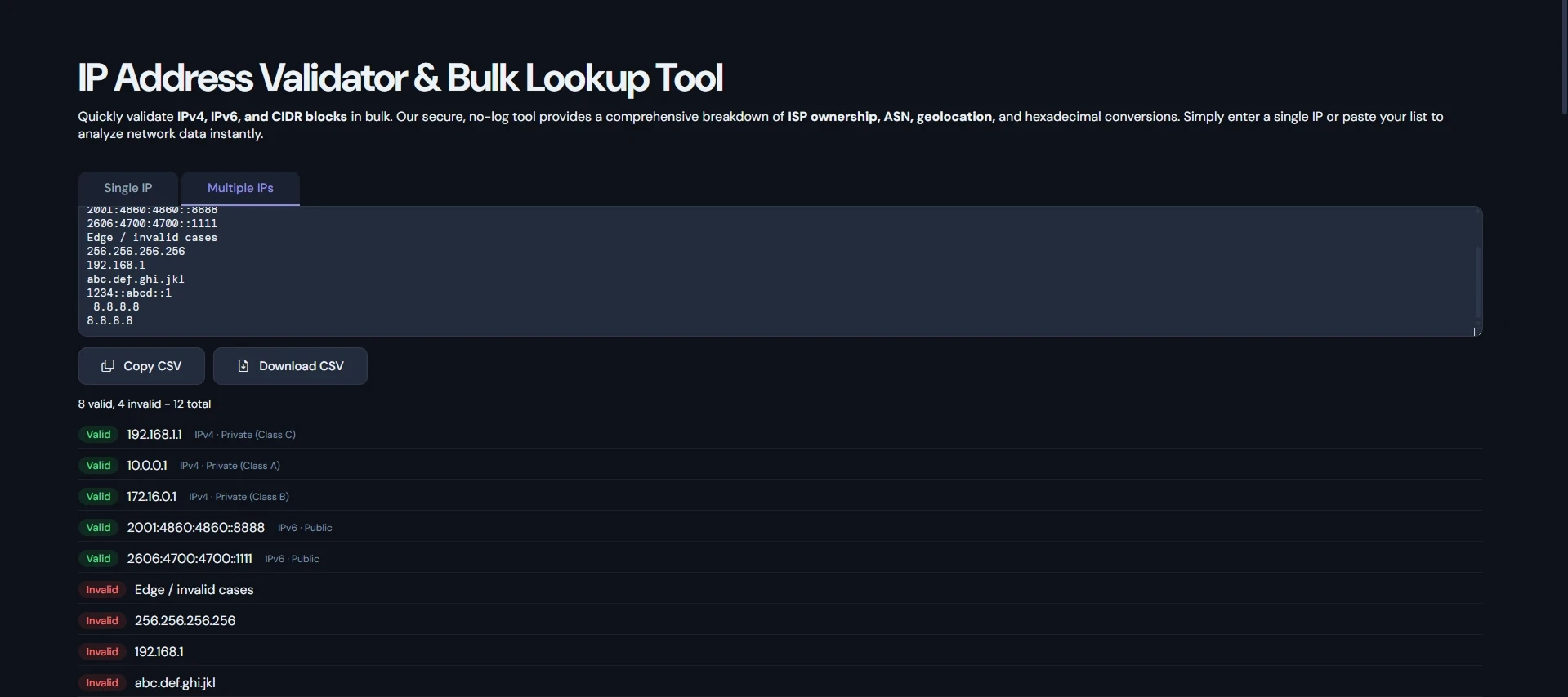
IP Address Validator supports network troubleshooting, security checks, and geo-location logic. Developers use it to validate user IPs, block suspicious ranges, or verify configuration in networking scripts and firewalls.
UUID, Identifiers & Security Workflows
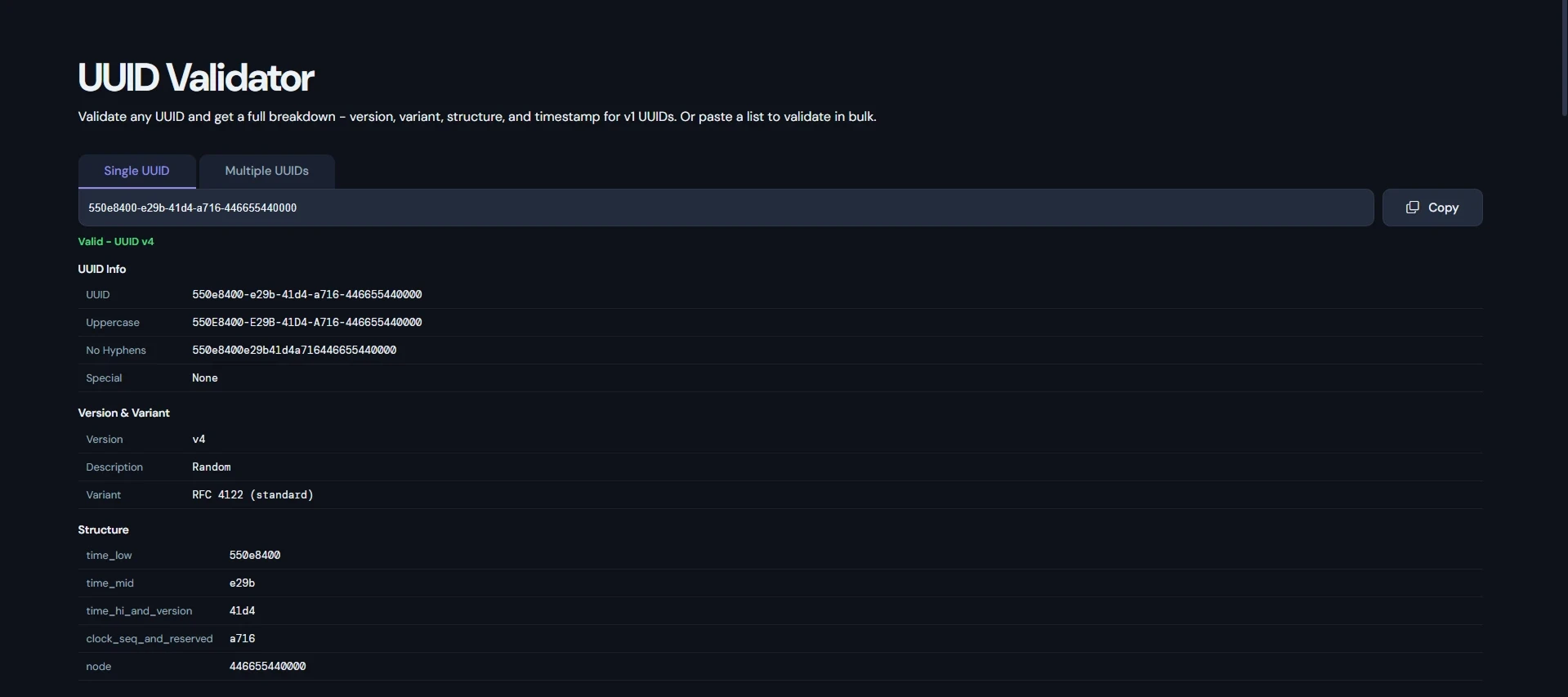
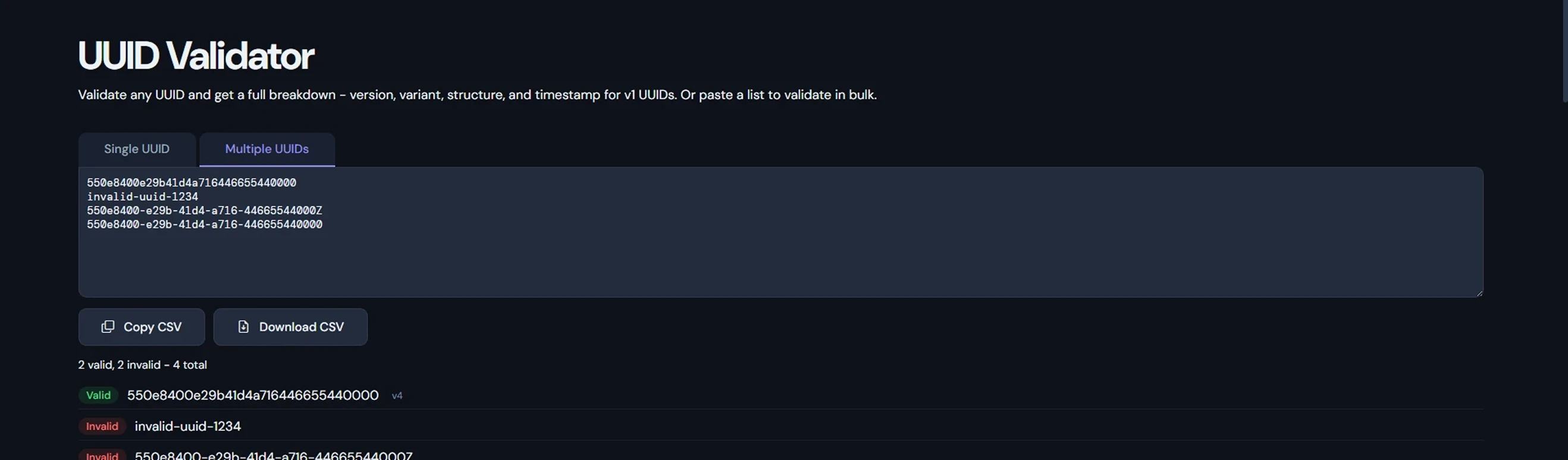
UUID Validator & Inspector helps backend developers verify unique identifiers conform to RFC 4122 standards, check version/variant, and avoid collisions in databases or distributed systems. Perfect for session tokens, database keys, or microservice tracing.
Data Cleaning & User Input Scenarios
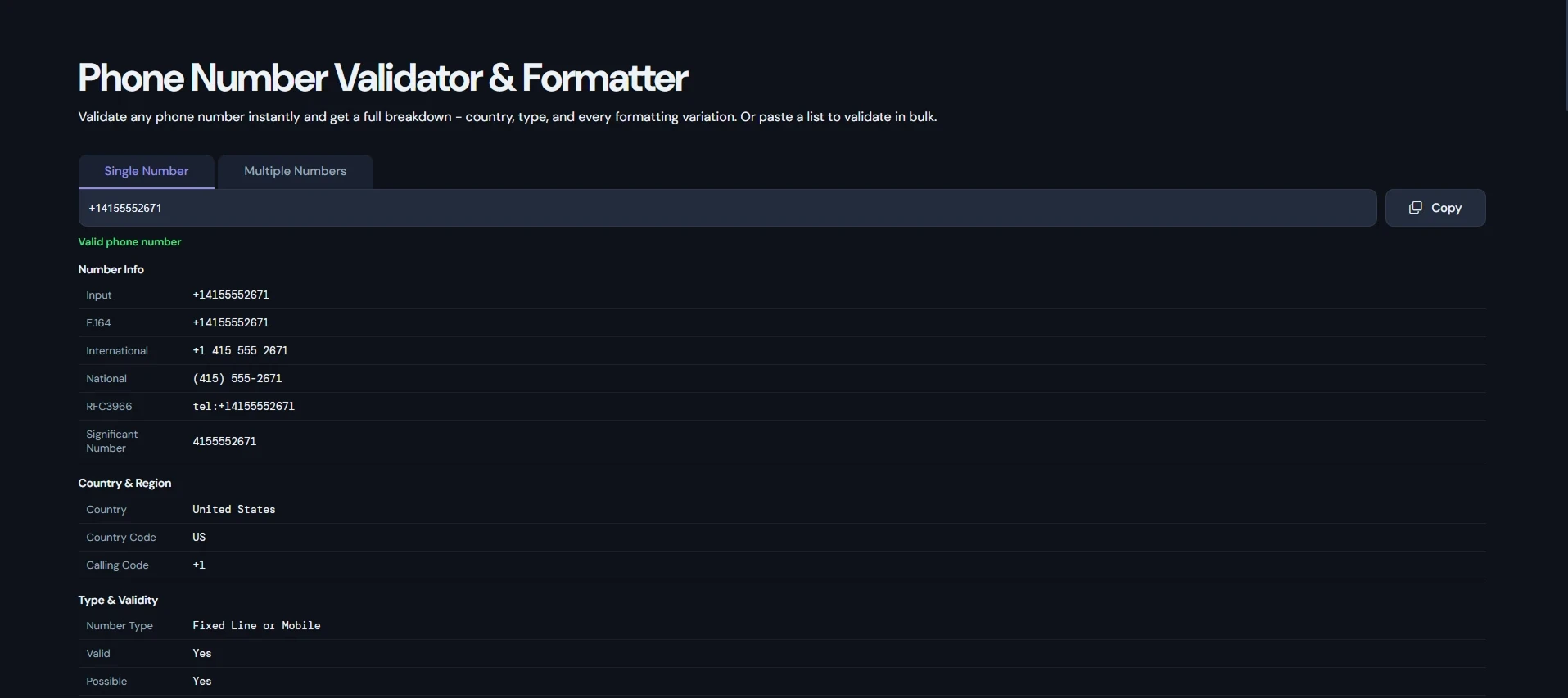
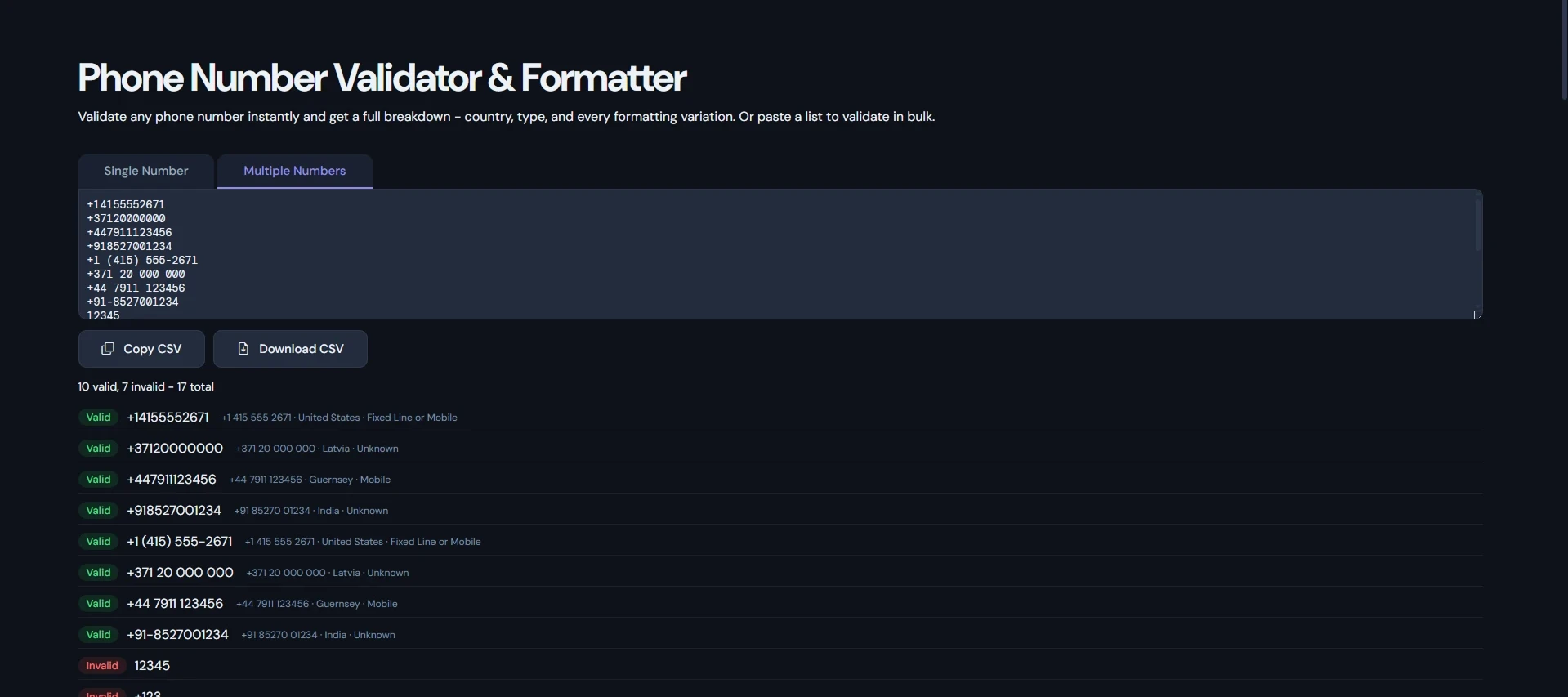
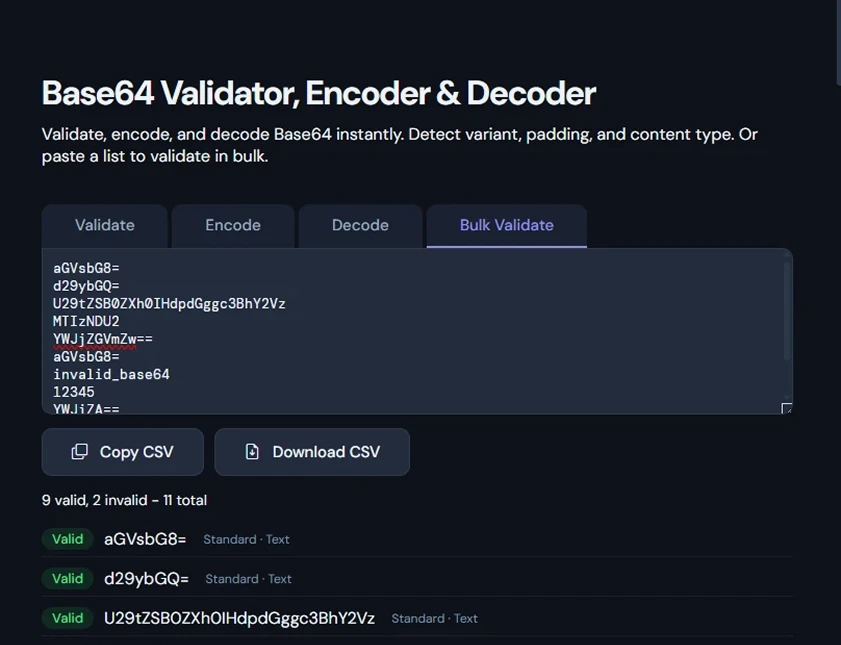
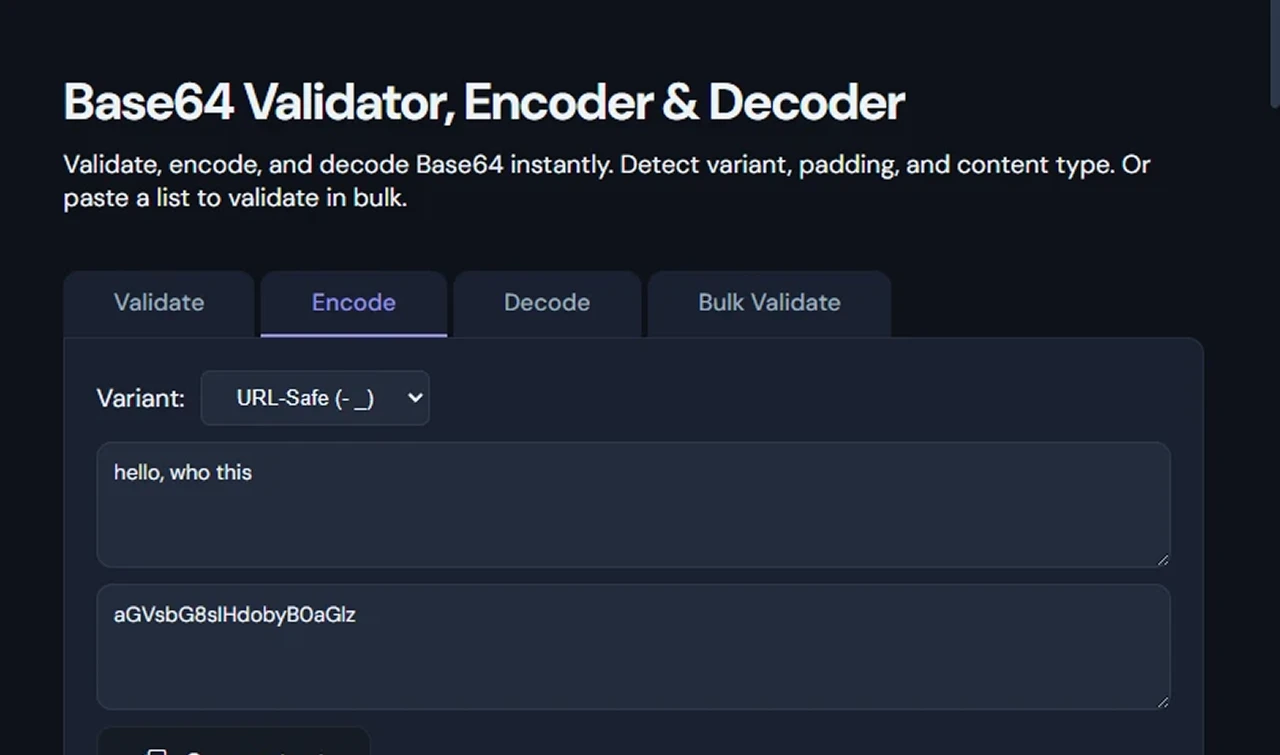
Phone Number Validator & Formatter ensures international numbers are correctly structured for SMS gateways, CRM systems, or user registration forms. Base64 Validator & Decoder is frequently used when handling file uploads, images, or encoded tokens in web applications.
General Developer & Testing Workflows
Common scenarios include:
- Debugging API responses during frontend-backend integration
- Validating configuration files before deployment
- Cleaning exported data from databases or third-party services
- Quick security audits (e.g., checking for risky URLs or malformed inputs)
- Code reviews and pair programming sessions
Types of Data Validation Tools Available
Here's a quick overview of the tools in this category:
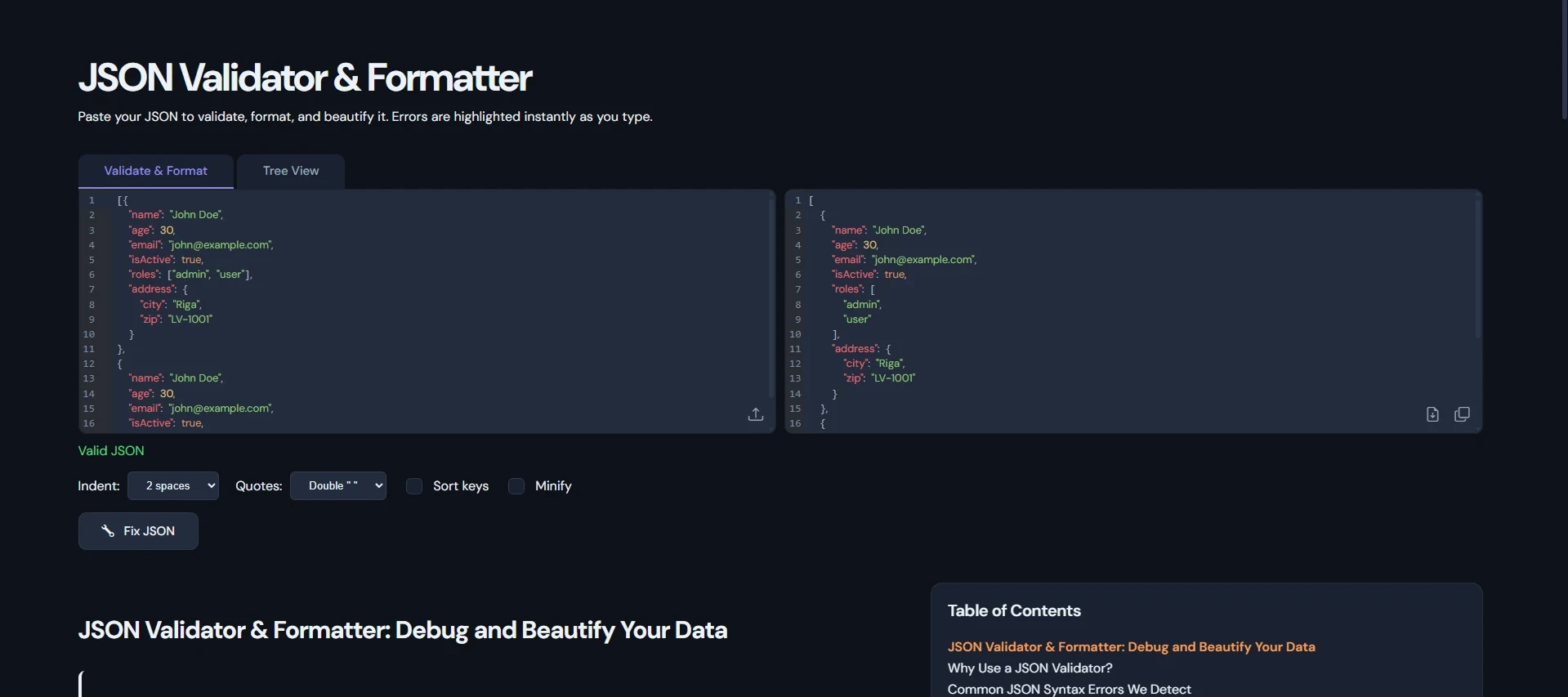
JSON Validator & Formatter
JSON Validator & Formatter - Syntax checking, error highlighting, and formatting for modern web and API development.
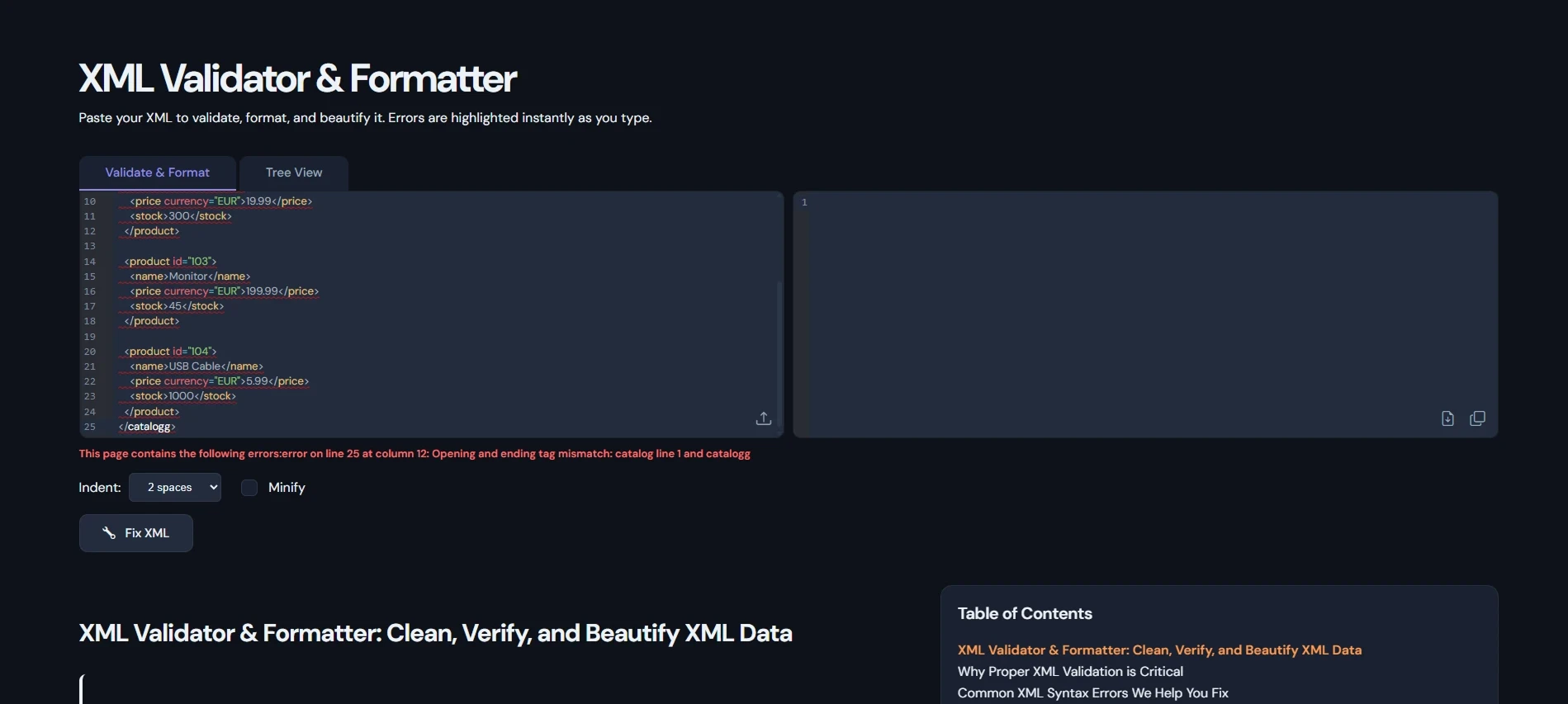
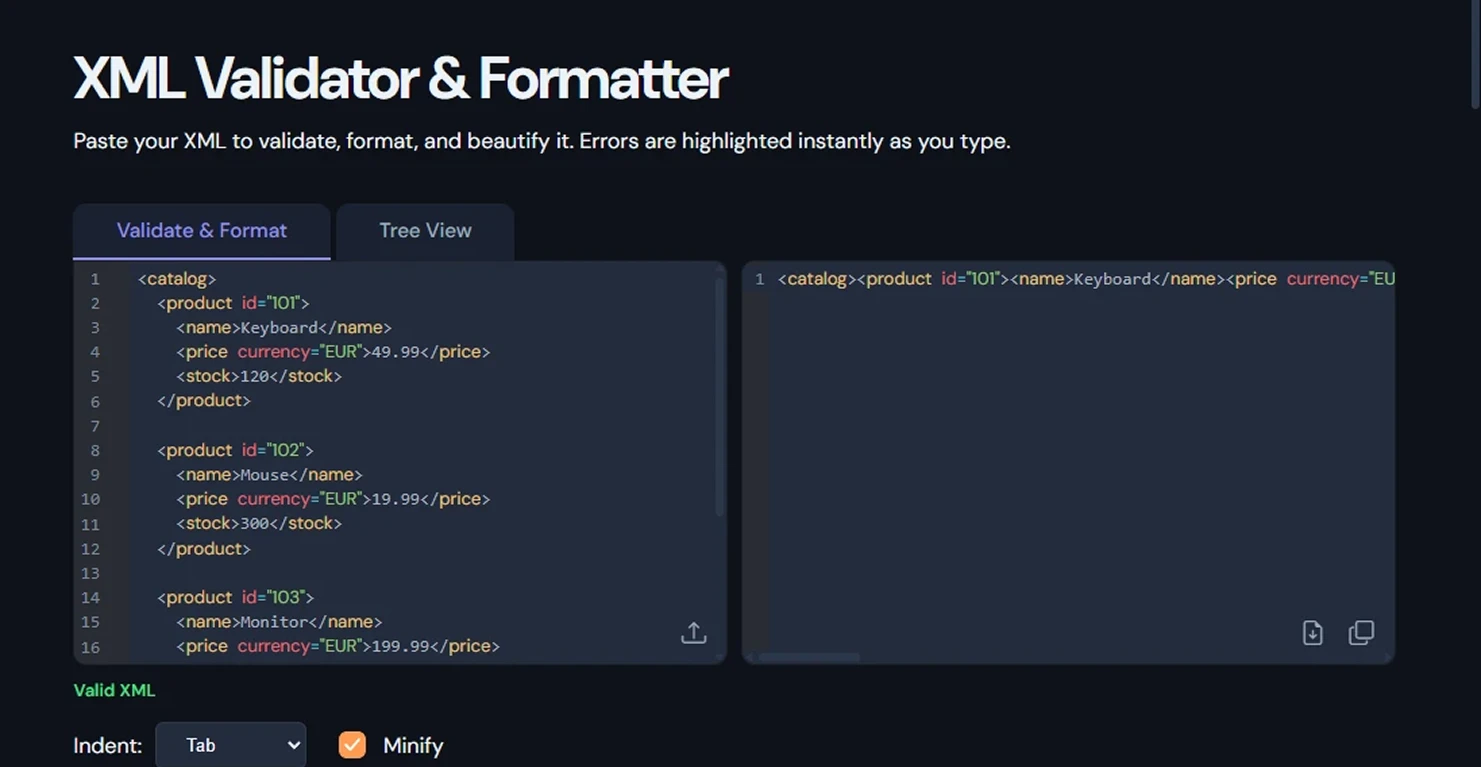
XML Validator & Formatter
XML Validator & Formatter - Well-formedness checks and formatting for documents and enterprise data.
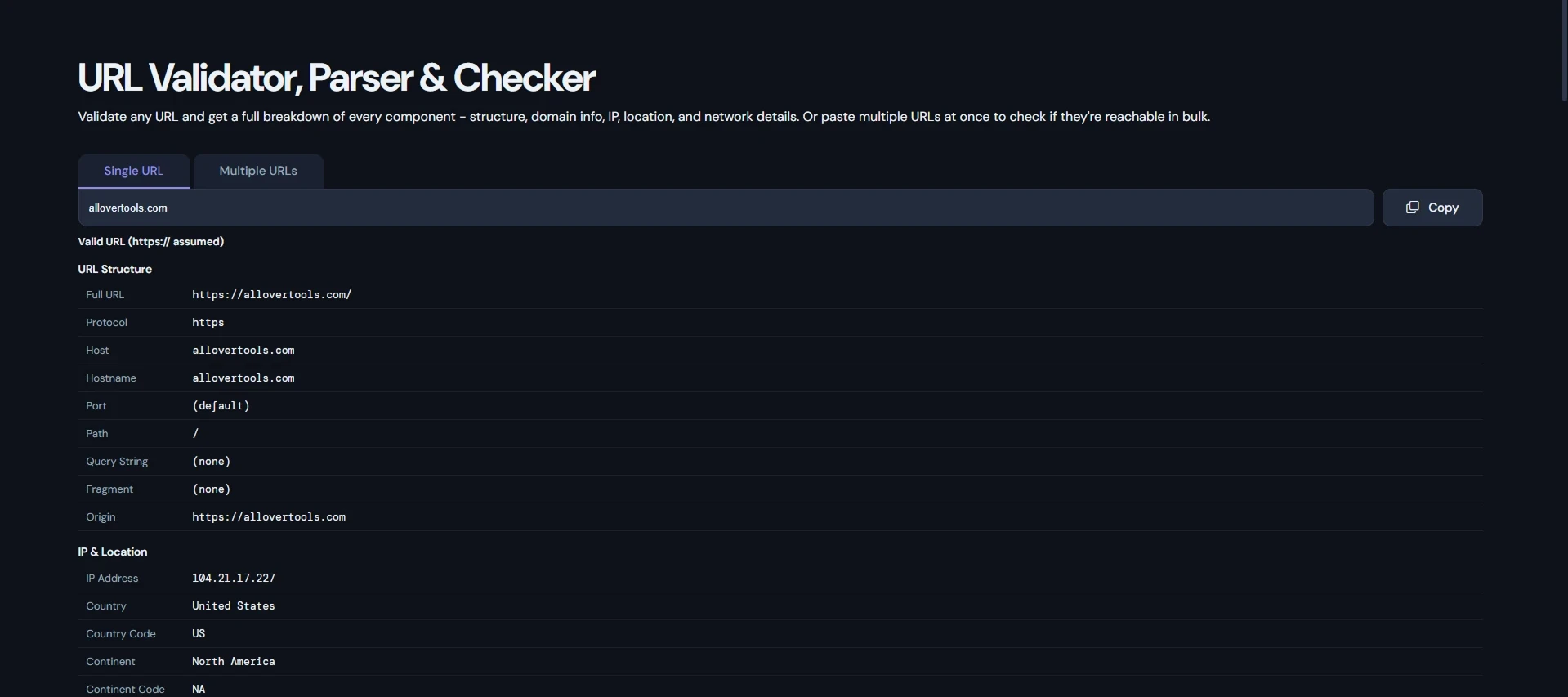
URL Validator & Parser
URL Validator & Parser - Structure verification and component extraction for web and network tasks.
UUID Validator & Inspector
UUID Validator & Inspector - Format and version checking for unique identifiers.
Phone Number Validator & Formatter
Phone Number Validator & Formatter - International format validation and standardization.
Base64 Validator & Decoder
Base64 Validator & Decoder - Encoding validation and safe decoding.

IP Address Validator
IP Address Validator - IPv4/IPv6 format checking for network-related work.
Common Data Validation Problems These Tools Solve
Invalid data frequently causes:
- API failures due to malformed JSON or XML
- Broken links and security vulnerabilities from bad URLs
- Database errors from non-standard UUIDs
- Failed communications due to incorrect phone formats
- Encoding issues with Base64 in file transfers
- Network configuration mistakes with invalid IPs
How to Validate Data Formats Online (Quick Guide)
- Paste your data into the appropriate tool
- Let it validate automatically or click the button
- Review clear error messages and formatted output
- Copy the cleaned result back into your code or document
Frequently Asked Questions
What is a data validation tool?
It checks whether data matches expected formats, rules, and syntax - helping catch errors early in development and production.
Are these tools private?
Yes - all validation runs 100% client-side in your browser. No data is sent to any server.
How are these useful for network or web validation?
URL and IP validators help web developers and network engineers verify links, prevent security issues like SSRF, and troubleshoot connectivity problems.
Can I use these for API development?
Absolutely. JSON and XML validators are daily drivers for testing payloads, debugging responses, and ensuring contract compliance.
Do you support international phone numbers?
Yes, the phone number tool handles formatting and validation for most countries and regions.
Start Validating Your Data Now
Scroll up to explore the full set of data validation tools and format checkers. Whether you're handling API data, web URLs, network configurations, or general programming tasks, these free browser-based utilities deliver fast, accurate, and private results.
Need an additional validator or have suggestions? We're always expanding the collection based on developer feedback.